
Add a Payment Method on payMontgomery
Follow the directions below to add a payment method to your payMontgomery profile:
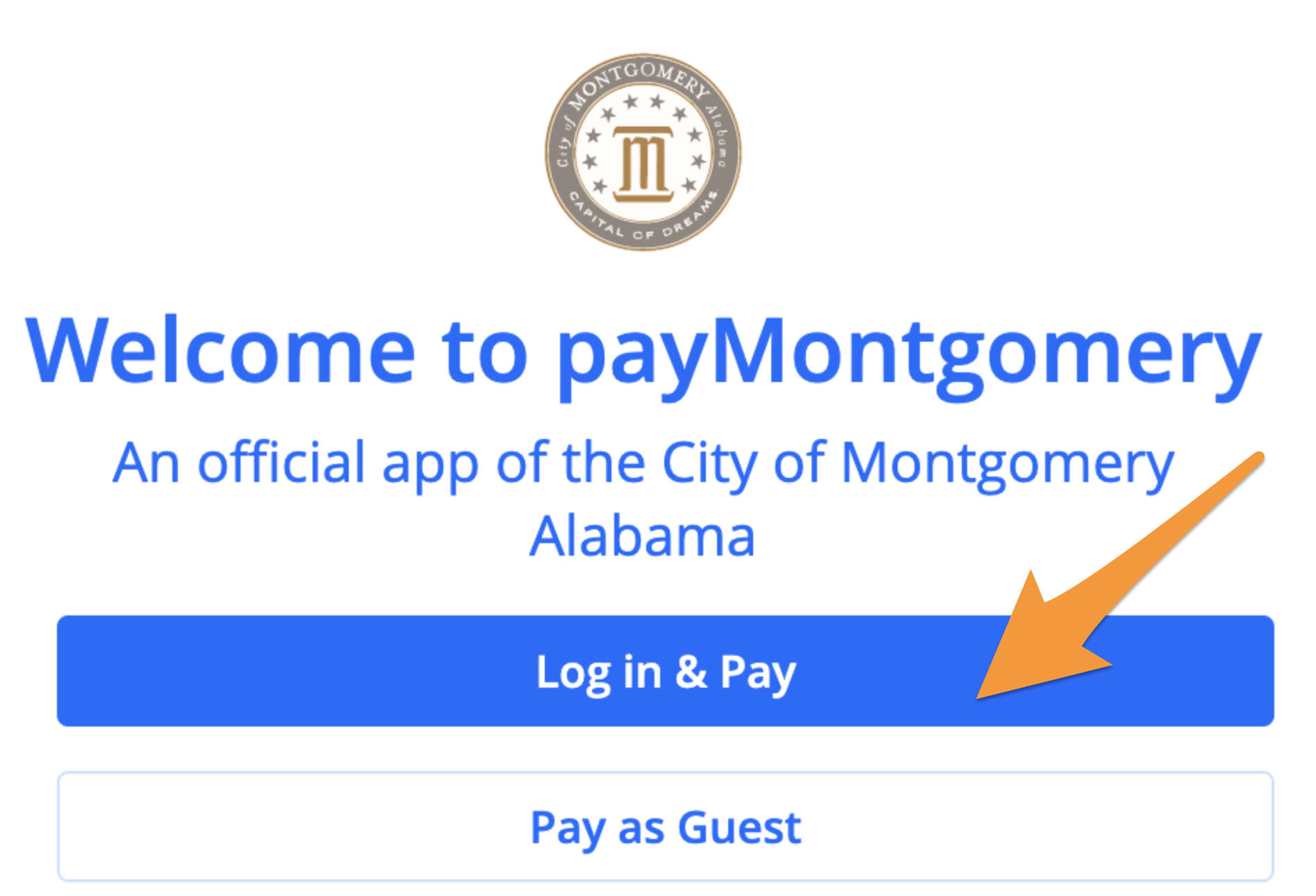
- Log in to your payMontgomery profile(see Create a Profile on payMontgomery)
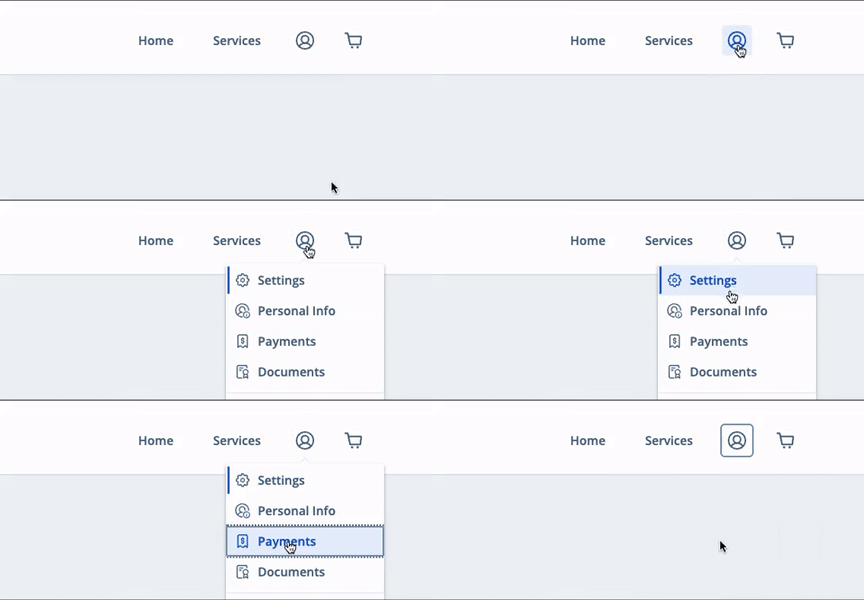
- Select the profile icon in the upper right corner and click Payments
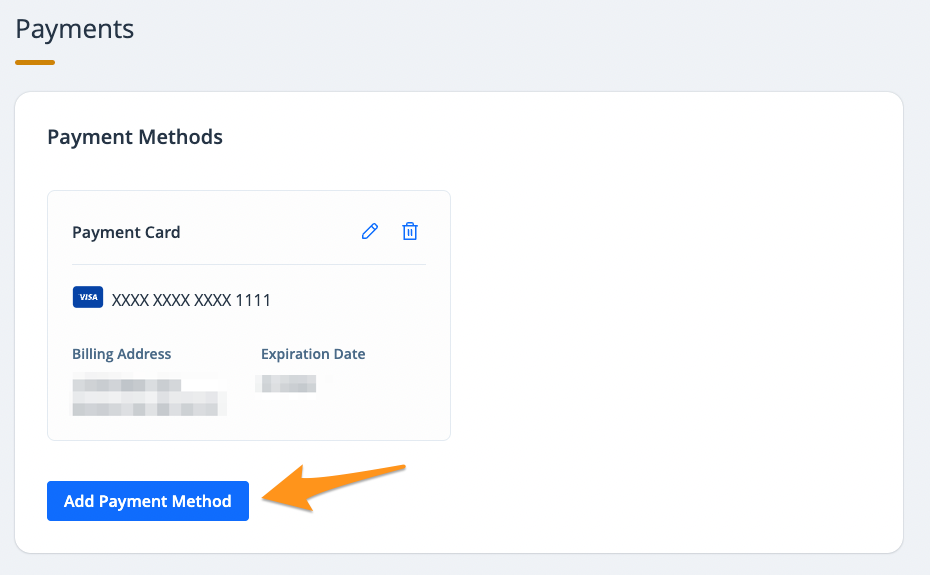
- Click Add Payment Method
- Enter your payment information, check the box at the bottom of the page and click the blue button to add the payment method
Your payment method is now saved to your payMontgomery profile. You will see this payment method when you go to pay a bill and it will be available in the "Payment Methods" section of your profile. To delete a payment method from your profile, see Remove a Payment Method on payMontgomery.